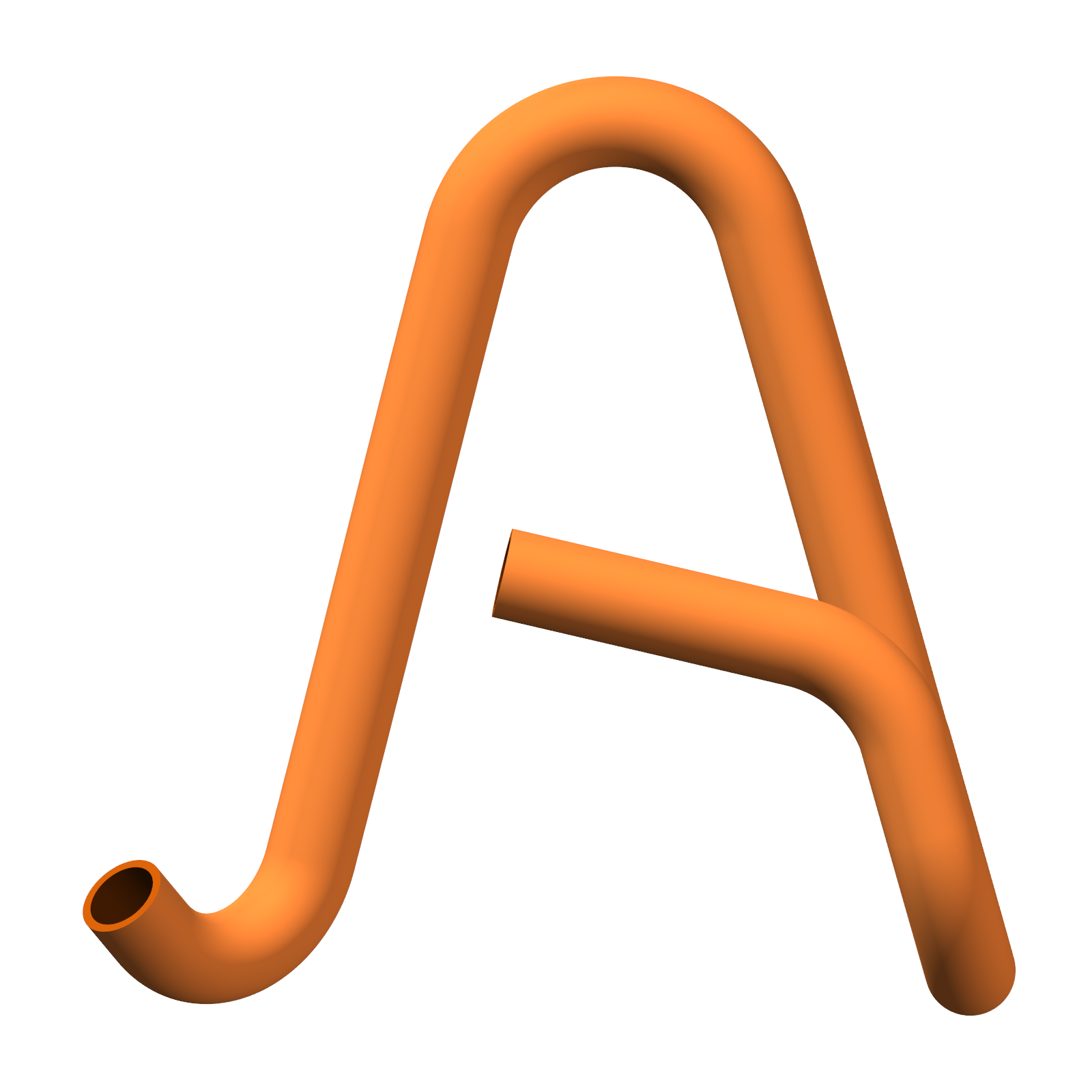
Draw the tube
By centerline, XYZ, or bend list. Real solid geometry with exact arcs — not faceted approximations.
Design a bent tube, simulate the real CNC bending machine, and get the program — from your drawing straight to the finished part.
Design the tube, watch the real bender form it, prove it can be made, and hand the operator a clean program and drawing.
By centerline, XYZ, or bend list. Real solid geometry with exact arcs — not faceted approximations.
See the actual CNC bender form your part, bend by bend, and catch collisions before they hit the floor.
Tooling fit, self-collision, machine reach, springback, wall thinning — one clear go / no-go verdict.
Production reports, bend setup sheets and dimensioned drawings, print-ready for the operator.
Design and mount clamp, die and mandrel in the tooling studio — checked live against the loaded tube.
Machine program plus STEP, IGES and DXF — straight into production, no re-drawing.
Arcatica is built by someone who runs the real machines every day — the BLM 880, the Swing, the Multipla. Every feature comes from a real problem at the machine, not a spec sheet.
Enter the geometry the way your drawing already gives it — apex-to-apex, coordinates, or bends.
Run the real bending cycle in 3D, verify it's manufacturable, and dial in tooling and springback.
Export the program and the paperwork. The operator gets everything they need to run it right.
Arcatica is rolling out to a small group of shops that bend tube for a living. Want it in yours?